1
Scan
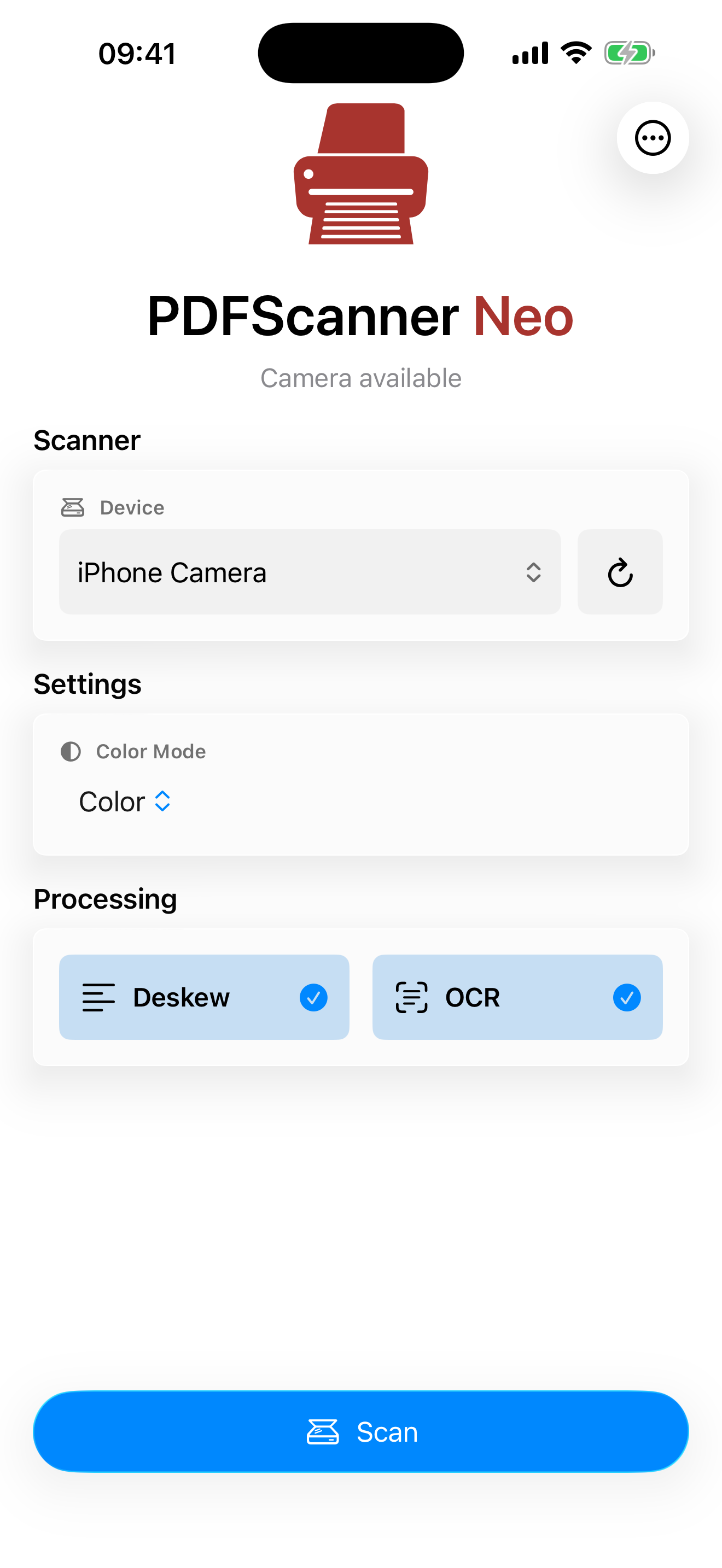
Choose an AirScan/eSCL scanner or the device camera and capture pages into the workspace.
 PDFScanner Neo
Workflow
Capture pages, clean them up, assemble the document, and export a finished PDF copy without turning scanning into document management.
Neo is built around temporary scan workspaces: get the paper into a clean PDF, then save, share, or file it wherever it belongs.
Process
Neo is built around one repeated job: capture pages, clean them up, assemble the document, and export a finished PDF copy.
Choose an AirScan/eSCL scanner or the device camera and capture pages into the workspace.
Apply OCR, deskew, rotation correction, crop, and blank-page cleanup when available.
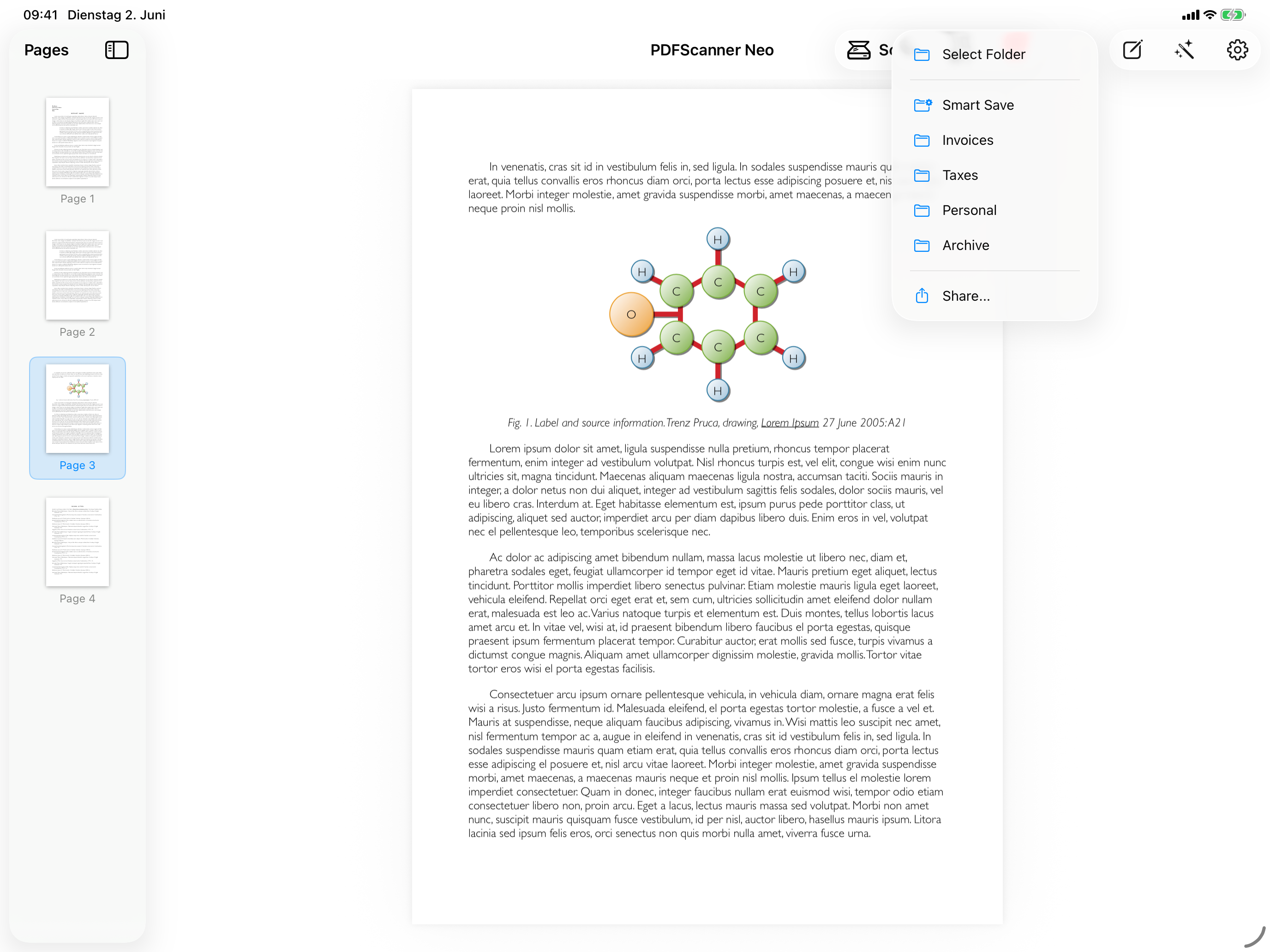
Reorder, delete, rotate, copy, cut, paste, or process selected pages while building the scan.
Save, share, or route the final PDF through presets and Smart Save workflows.
PDFScanner Neo
Start with PDFScanner Neo on iPhone and iPad.
Download on the App Store